


In This Post I Am Going To Show You How To Install ZPhisher In Termux Using Basic And Simple Steps. We Will Install ZPhisher In Termux By Cloning The Files Of ZPhisher And Install It In Termux. This Tutorial Will Go With The All Inforamtion Of ZPhisher In Termux. We Will Start From The Introduction, Followed By The Installation And Then Using ZPhisher In Termux. Make Sure To Read This Article Fully To Avoid Any Errors. So Let’s Start,
How To Install ZPhisher In Termux?
We Will Install ZPhisher In Termux By Cloning Its Files From GitHub And Install The Dependencies For The Installation And Use Of ZPhisher In Termux. Avoid Skipping Steps During The Whole Process. Follow The Below Steps One By One Strictly To Install ZPhisher In Termux:
Pre-requisites
- An Updated Termux Apk.
- An Active Internet Connection.
- Free Storage Of 500 MB.
- Android Version Above 8.
Step 1: First Of All Open The Termux App In Your Android Device. Install It From The Playstore If You Do Not Have Termux App.
Step 2: Update And Upgrade All The Termux Packages Using pkg update && pkg upgrade -y Command For An Errorless Installation In Termux.
pkg update && pkg upgrade -yStep 3: Install Git In Termux To Clone The ZPhisher Files From GitHub Using pkg install git -y Command In Termux.
pkg install git -yStep 4: Clone The ZPhisher Files From GitHub Using git clone --depth=1 https://github.com/htr-tech/zphisher.git Command In Termux.
git clone --depth=1 https://github.com/htr-tech/zphisher.git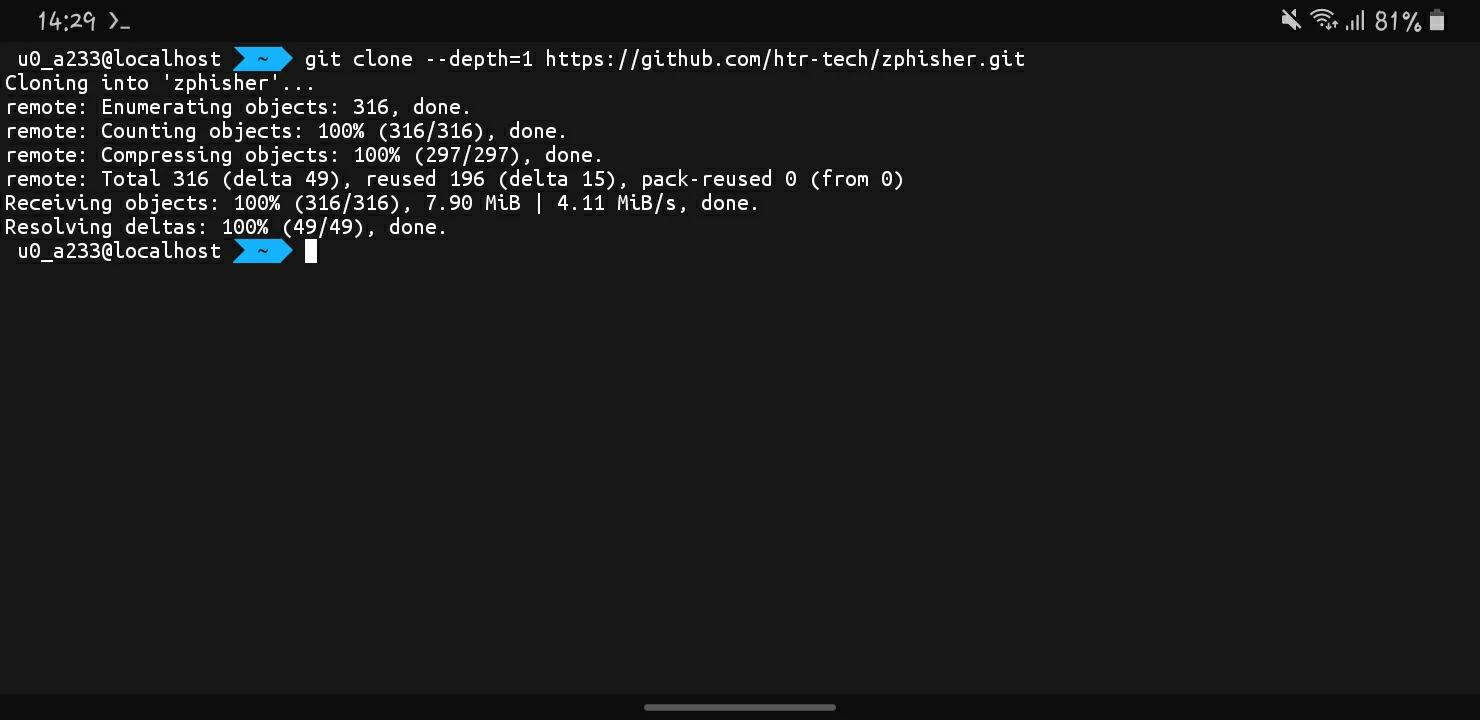
Step 5: Go To The ZPhisher Folder Using cd zphisher Command In Termux To Continue Installing ZPhisher In Termux.
cd zphisherStep 6: Install ZPhisher In Termux By Bashing The Installation Script Using bash zphisher.sh Command In Termux.
bash zphisher.sh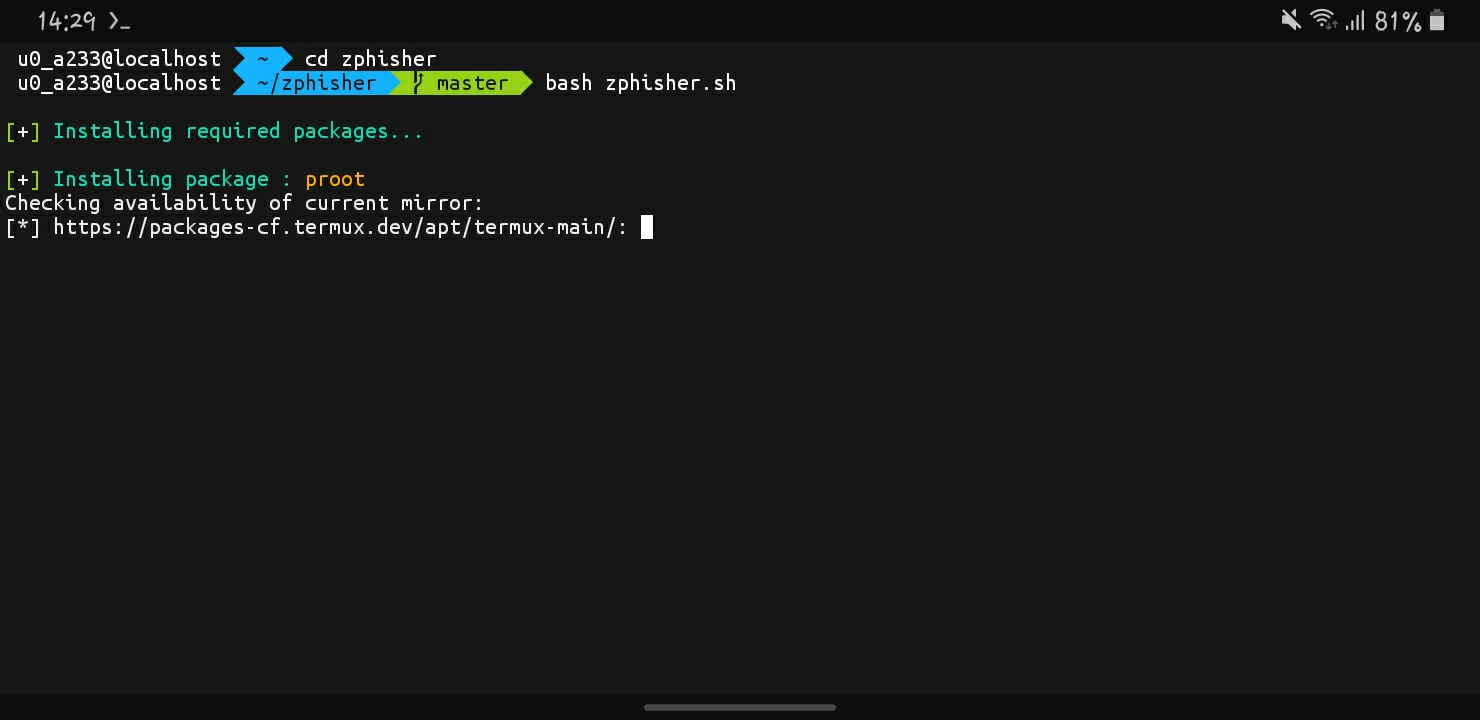
ZPhisher Will Start Installing In Termux And Will Be Completed Shortly. The Installation Process Can Take Time Depending Upon The Internet And The Device Performance. Once The Installation Has Been Finished The ZPhisher Will Automatically Open In Termux And You Can Use This Tool. Make Sure That Installation Has Been Completed Without Any Errors Then You Can Move To The Next Topic.
Warning: Using Hacking Tools For Unauthorized Access To Systems Or Data Is Against The Law And Can Lead To Criminal Charges. I Am Not Responsible For How You Choose To Use This Tool.
How To Use ZPhisher In Termux?
Once The Installation Has Beenm Finished We Can See How The Hackers Use The ZPhisher Tool To Create A Phishing Link And Gain Personal Data. The Tutorial Is Only And Only For The Educational Purpose And Must Not Be Used To Harm Anyone. Follow The Below Steps One By One To Use ZPhisher In Termux:
Step 1: Go To The Directory Where The ZPhisher Has Been Installed In Termux By Typing cd zphisher Command.
cd zphisherStep 2: Open The ZPhisher Using bash zphisher.sh Command In Termux To Create A Phishing Page.
bash zphisher.sh
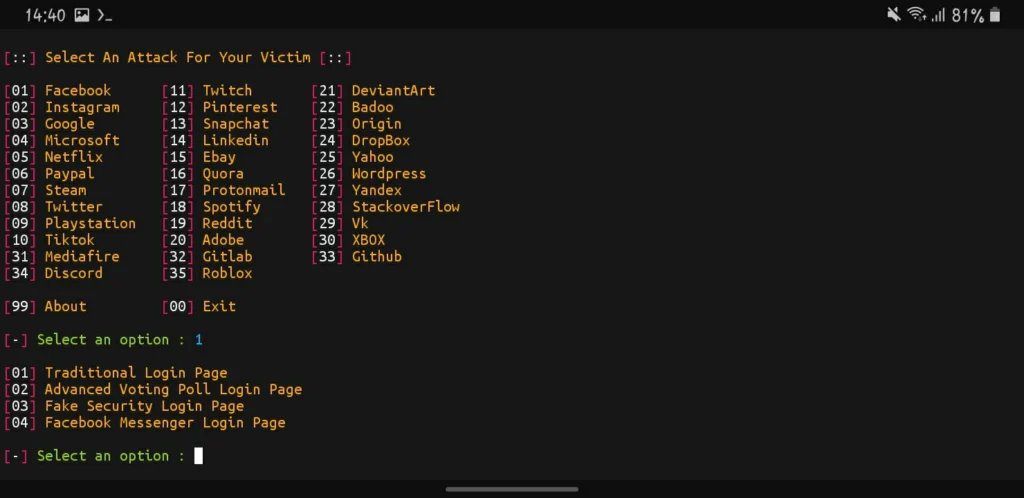
Step 3: A List Of Social Media Platforms Will Appear On The Termux With A Number Assigned. Type The Number Of The Social Media Platform To Work With.
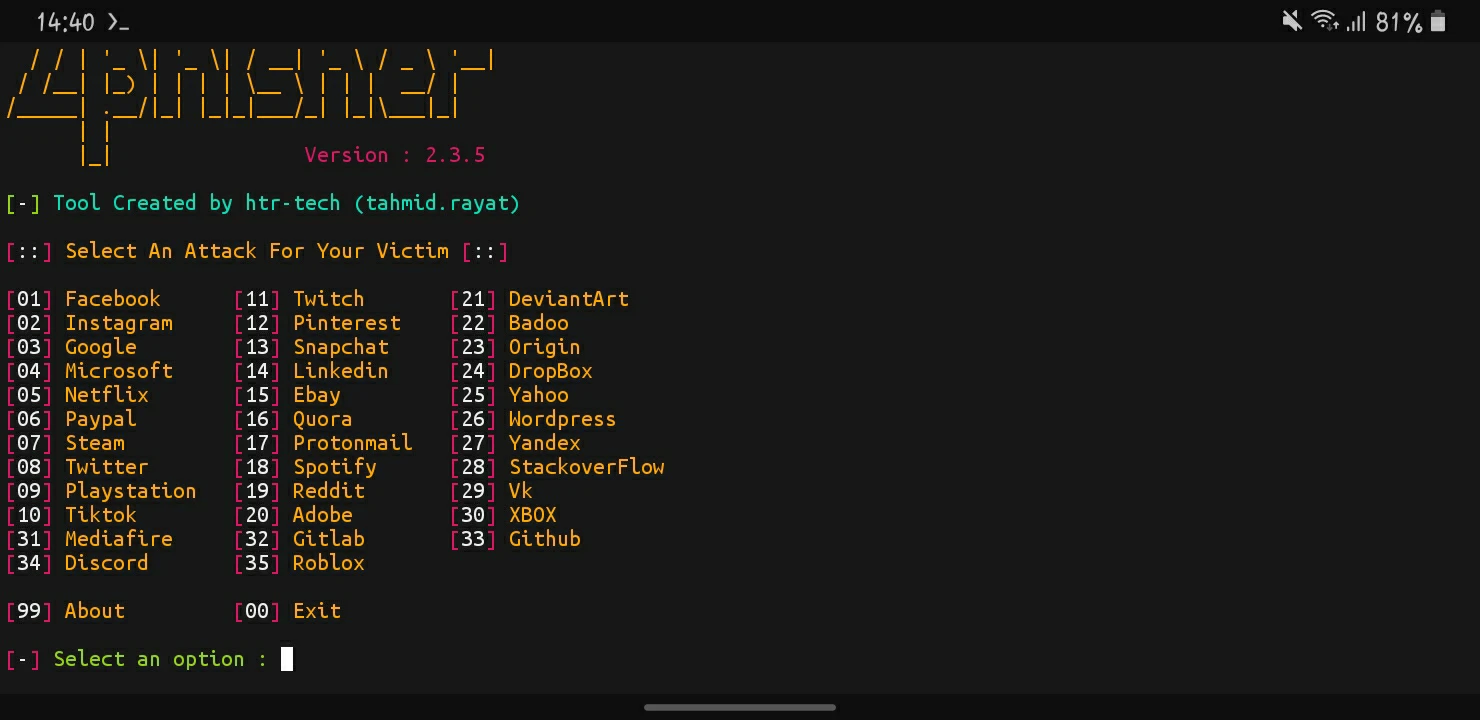
Step 4: Choose The Type Of Page That You Want To Use In Termux. I Will Select The Traditional Page As It Looks More Similar.
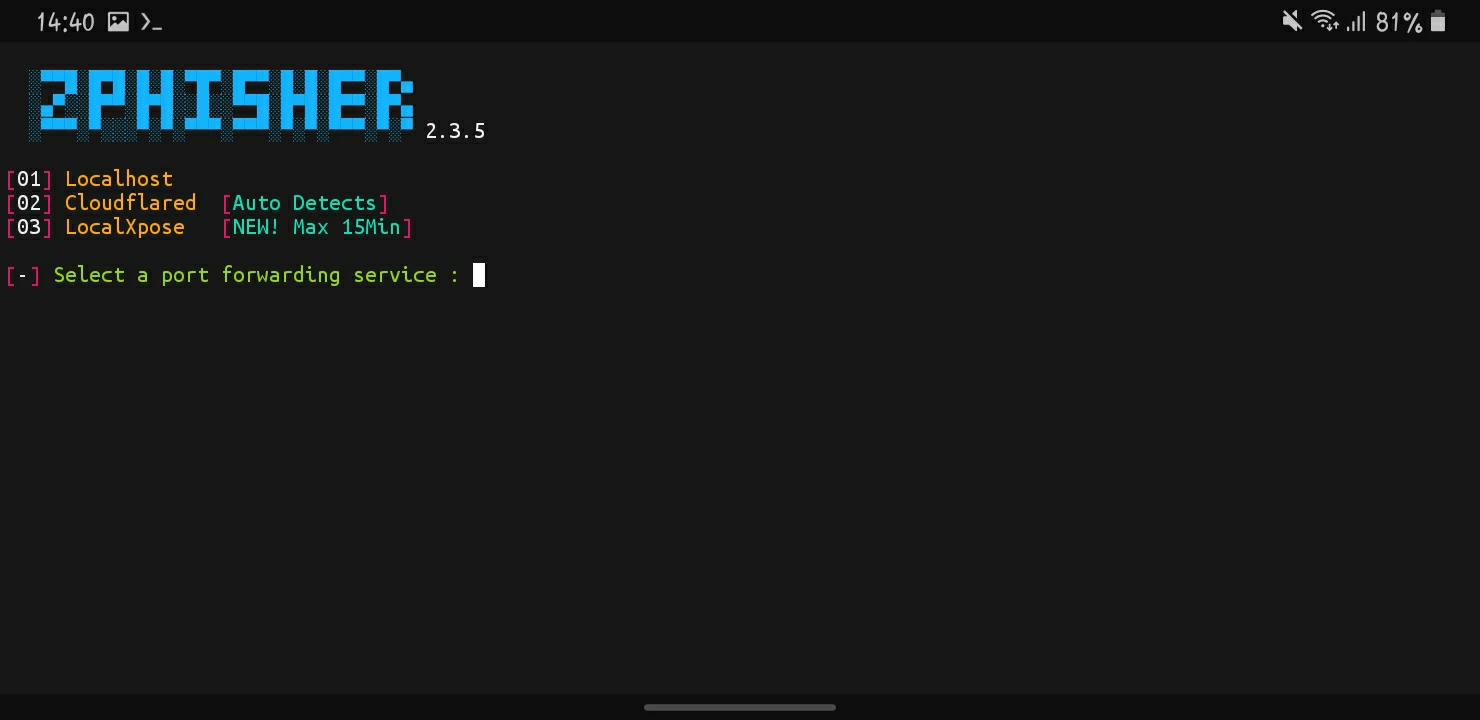
Step 5: Select The Type Of Server On Which You Want To Host That Link, I Will Select The Local Host As I Will Test The Link On My Own Device. You Need To Setup Other Platforms First To Work With Them.
Step 6: Type N For A Automatic Port Generation Or You Can Type Y Followed By The Port You Want To Create.
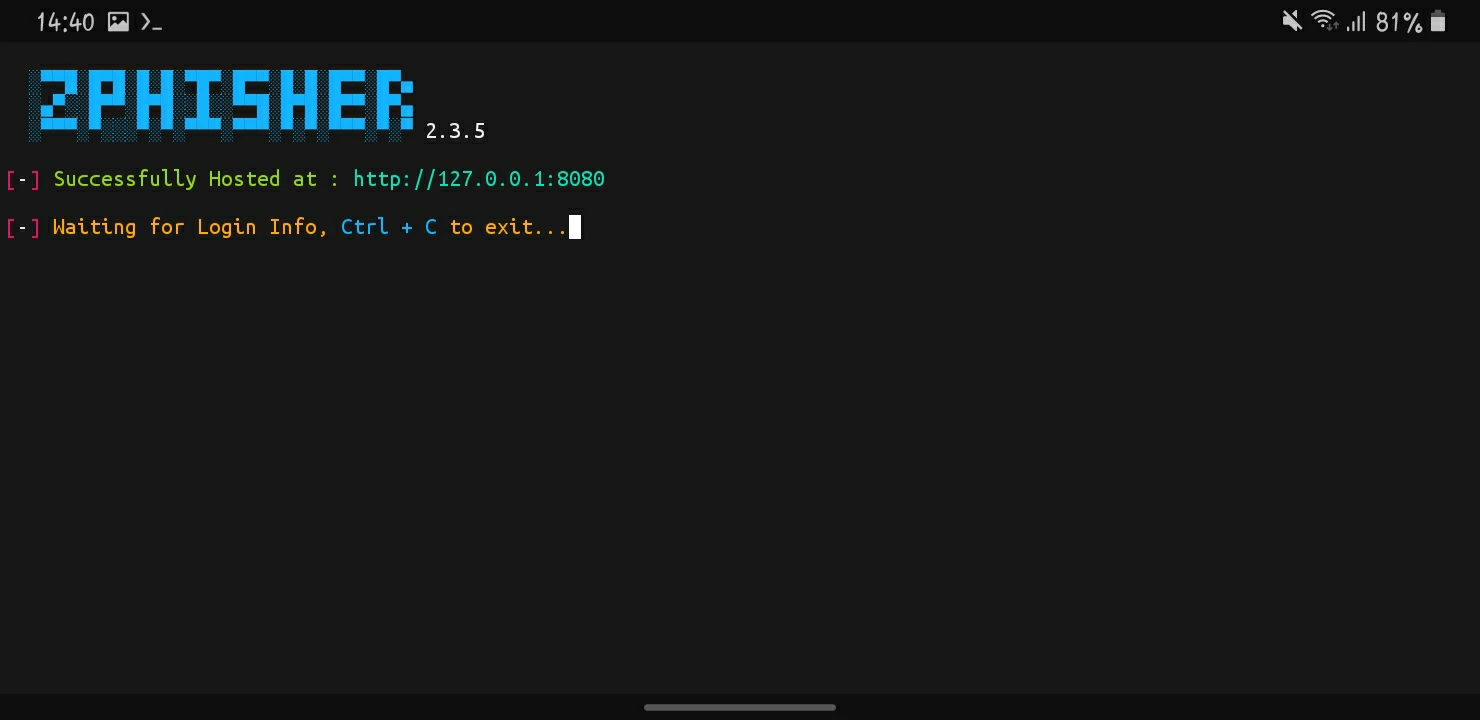
Step 7: That Is It. The Link Has Been Generated And Can Be Used To Gain The Personal Data Of Any Victim.
Make Sure We Have Hosted The Link On The Local Host. So The Link Will Work On Our Device Only. Through These Steps A Phishing Attack Is Performed. One Must Use This Tool Responsibily. This Was The Full Demonstration Of The ZPhisher Tool In Termux. Now We Will See How A Person Can Protect Himself From These Type Of Attacks.
How To Protect Yourself From Phishing Attacks?
Avoid Clicking On The Spam And Anonymous Links. Do Not Fall For The Bounty On Clicking The Links Or Any Other Desirefull Things. One Must Check The Links Properly Then USe The Credentials On Them. One Must Also Check The SSL Certificate Of The Webiste In Order To Check If It Is Safe To Visit Or Not.
How To Install ZPhisher In Termux Using A Single Command?
ZPhisher Installation In Termux Can Be Automated By The Single Command. We Just Added All The Commands Into One That Can Be Used To Install ZPhisher In Termux Using A Single Command. Type Or Copy Paste The pkg update && pkg upgrade -y && pkg install git -y && git clone --depth=1 https://github.com/htr-tech/zphisher.git && cd zphisher && bash zphisher.sh Command For The ZPhisher Installation In Termux.
pkg update && pkg upgrade -y && pkg install git -y && git clone --depth=1 https://github.com/htr-tech/zphisher.git && cd zphisher && bash zphisher.shGo To The Step By Step Installation If The ZPhisher Got Any Error. This Command And The Above Command Do Not Vary But We Can Check The Error Using The Step By Step Installation In Termux.
How To Remove ZPhisher From Termux?
The ZPhisher Tool Is Used To Demonstrate The Method Of Phishing In Termux. The ZPhisher Can Be Removed From The Termux By Removing Its Directory Using rm -rf zphisher Command.
rm -rf zphisherMake Sure That This Command Will Run In The Directory Where The ZPhisher Is Installed In Termux. This Step Is Irreversible, It Does Not Create Any Backup Before Removing The Tool From Termux.
Conslusion:
ZPhisher Is A Popular Phishing Tool That Is Used To Demonstrate The Method Of Phishing In Termux And Other Linux Distributions. The ZPhisher Tool Is Only Made For The Educational Purposes And Should Be Only And Only Used For That. Unlike The AnonPhisher Tool In Termux The ZPhisher Contains A Little More Platforms To Try On. I Hope You Have Liked This Post. Thanks For Reading.
Frequently Asked Questions:
What Is ZPhisher Tool?
ZPhisher Is A Social Engineering Tool To Demonstrate The Phishing Attacks In Linux Based Operating Systems.
Does ZPhisher Tool Require Root?
No, ZPhisher Tool Does Not Require Any Root Permission And Can Be Used On Both Rooted And Non Rooted Devices.


